

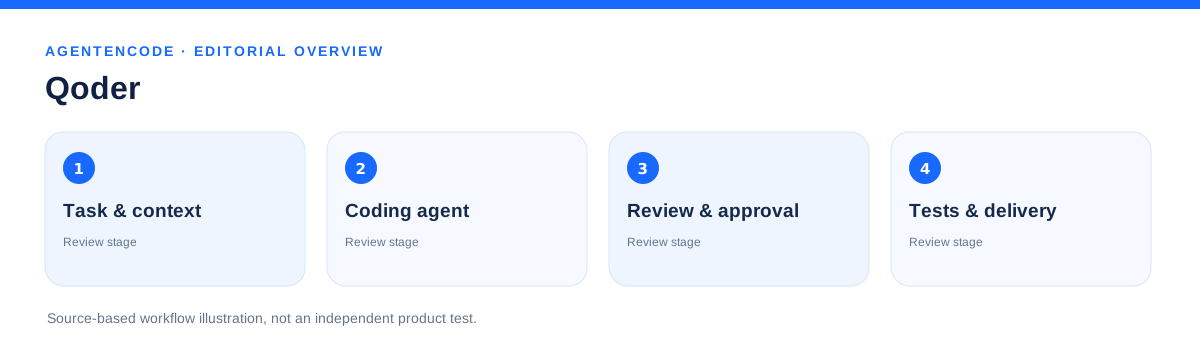
Quick answer: Qoder
Qoder is an agentic coding platform with desktop, IDE, CLI and mobile workflows. It positions coding agents as delegated workers whose results developers can review.
The descriptions are derived from linked primary sources. There is no independent product test, no security certification and no measured performance benchmark in this dossier. Unverified claims remain unknown.
How it works
The vendor presents the new Qoder as a unified agent workflow with a companion IDE, CLI and mobile access. The former Quest window inside Qoder IDE was retired October 15, 2026, according to official notice, while editor-based Chat, Agent and Expert modes remained.
Use cases
When is it a fit?
A candidate for developers and teams that want to delegate structured coding tasks, approve actions and review outputs in IDE-like workflows.
Do not confuse the current product with the legacy Quest window. No independent testing of every client, subscription plan or security control is claimed.
Comparison and alternatives
Qoder is better assessed as a multi-client agentic development platform. Compare it with Cursor, Claude Code and Codex on context scope, approval gates, execution environment and total cost.
Privacy and control
Qoder can work with repository and development data. Processing locations, model access, tenant policies and deletion terms must be evaluated against current vendor documents and contracts.
Four checks before deployment
- Confirm which current Qoder product and access scope is deployed.
- Do not rely on retired Quest screenshots or setup instructions.
- Examine repository, terminal and cloud permissions and code retention.
- Independently run tests, review changes and plan rollback.
Trust: No individual controls were independently audited for this new profile; unknown is not a negative finding.
Pricing and total cost
Qoder offers subscription and credit arrangements; specific plans, allocations and model multipliers can change. This review does not assert verified universal pricing.
Practical evaluation checklist
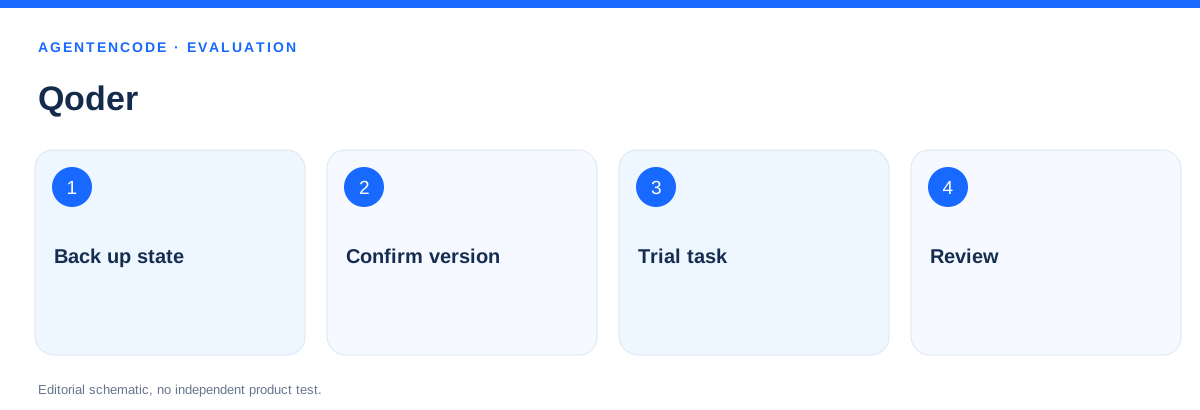
- Identify the current supported client and version.
- Choose a nonproduction repository and scoped task.
- Explicitly configure access and approvals.
- Review patches and run independent tests.
- Record pricing and any Quest migration requirements.
TECHNICAL REFERENCE
Architecture, versions and practical boundaries
The following topics separate documented capabilities from untested installation conditions. A feature list does not certify deployment safety.
Separate the desktop platform from the legacy IDE
Qoder spans several agentic coding interfaces. Its current desktop product is not the retired Quest window inside Qoder IDE. Older screenshots and tutorials can therefore misrepresent what a current user can actually access.
The official retirement notice dates the legacy Quest-window shutdown to October 15, 2026. The IDE editor's Chat, Agent and Expert functionality was explicitly outside that retirement.
Agent Mode and tool access
Qoder documents project awareness, multi-file changes, terminal tools and MCP extensions in IDE Agent Mode. An agent can plan iterative changes and execute them, which creates meaningful write and execution privileges.
A review must go beyond the prompt. Record the effective tool list, protected branches, terminal permissions, dependency changes and independent verification of each patch.
Migrating legacy Quest material
Qoder documents migration from the retired Quest experience to the current desktop app, including data import. Existing sessions, configurations and MCP connections should be individually checked after migration.
Imported chat history does not prove identical runtime permissions or model conditions. Back up key configurations and rerun bounded scenarios before relying on the new setup.
Mobile control and execution location
Official mobile remote control documentation describes continuing desktop tasks from a phone while the desktop stays online. The relevant device, workspace and local or SSH execution environment remain distinct from the mobile screen.
Enterprise reviews need explicit pairing, session-expiry and revocation checks. AgentenCode has not performed an independent mobile or remote-workspace test.
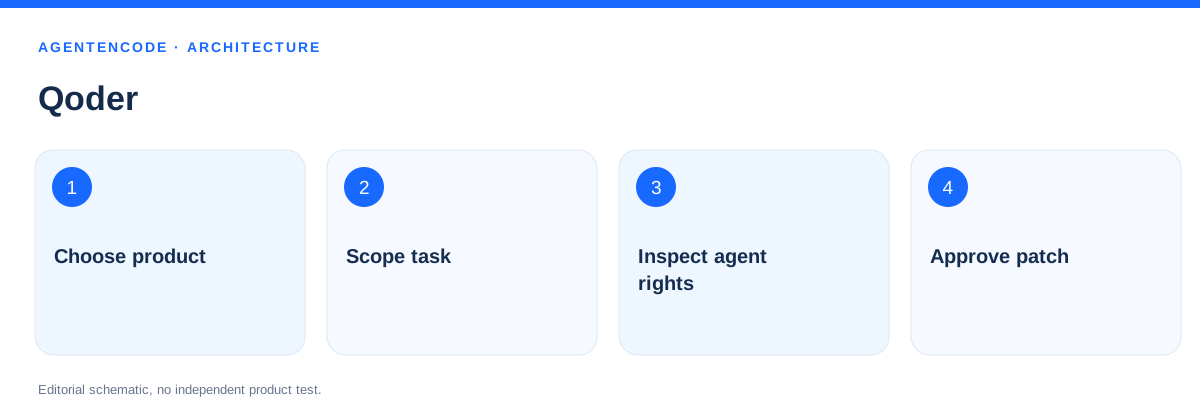
Step-by-step evaluation workflow
A controlled experiment needs fixed inputs, restricted permissions, acceptance criteria and independent checking. This is an evaluation plan, not a performed test.
- Choose product
Pin initial conditions, record actions and independently check the output.
- Scope task
Pin initial conditions, record actions and independently check the output.
- Inspect agent rights
Pin initial conditions, record actions and independently check the output.
- Approve patch
Pin initial conditions, record actions and independently check the output.
Permissions, data flows and risks
The checklist identifies controls to validate before production. It does not assign fictional Trust points or replace a security audit.
Distinguish current desktop and the retired Quest window explicitly.
Scope repository, local shell and remote workspace permissions.
Review imported MCP configurations and credentials individually.
Record credits, models and task budgets for each run.
Require independent automated testing and patch review.
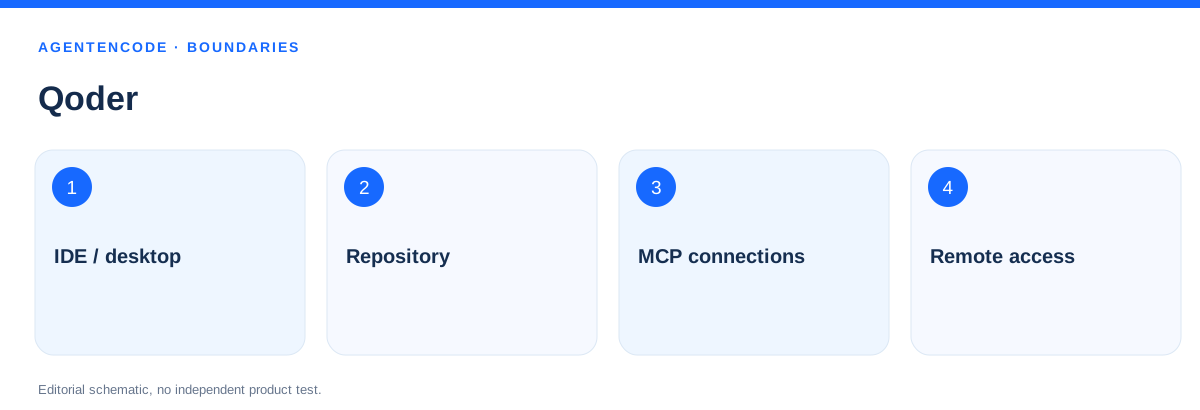
Comparison criteria and evidence boundaries
Official project and developer documentation on features and versions.
No independent benchmarks, complete permission audits or legal assessments.
Record versions, models, tasks, runtime and token budgets, including failures.
Without independent checks all 36 Trust areas remain unknown.
Frequently asked questions
What is Qoder?
An agentic coding platform with desktop, IDE and CLI interfaces; feature availability depends on product and account.
Was Quest retired?
Yes. The legacy Qoder IDE Quest window was retired October 15, 2026, while the newer Qoder product remains distinct.
Can Qoder work autonomously?
The vendor documents delegated agentic coding workflows. Reliability and security have not been independently verified here.
Is Qoder free?
There are multiple offerings; no universal zero-cost entitlement or exact model pricing has been independently verified.
Did AgentenCode test Qoder?
No. The analysis is based on current official product pages and the retirement notice.
Is the old Quest window still available?
The legacy Qoder IDE Quest window was retired October 15, 2026.
Is the desktop product identical to old Quest?
No. Current Qoder desktop has distinct workflows and migration guidance.
Does remote control work without the desktop?
The documented remote-control path requires the desktop to remain running and connected.
Official sources and limitations
The descriptions are derived from linked primary sources. There is no independent product test, no security certification and no measured performance benchmark in this dossier. Unverified claims remain unknown.
- Qoder – Produktplattform ↗
- Qoder – Coding IDE ↗
- Qoder – Quest retirement notice, 15. Oktober 2026 ↗
- Qoder product updates ↗
- Qoder IDE Agent Mode ↗
- Qoder mobile remote control ↗
Editorial source check: 30 October 2026. Full end-to-end verification, paid feature access, performance claims, external tool permissions and legal compliance were not independently tested.