
Tana brings your own AI agent into meetings – who controls context, connectors and actions?
A meeting assistant that merely writes notes is different from an agent that can act before a call ends. On November 3, Tana announced Bring Your Own Agent, a way to connect existing AI assistants to meetings and move from discussion to tool-assisted work. The interesting question is not how quickly an agent drafts a to-do list. It is how an organization governs the transcript, the screen, the user’s connectors, and an action that can change business records.
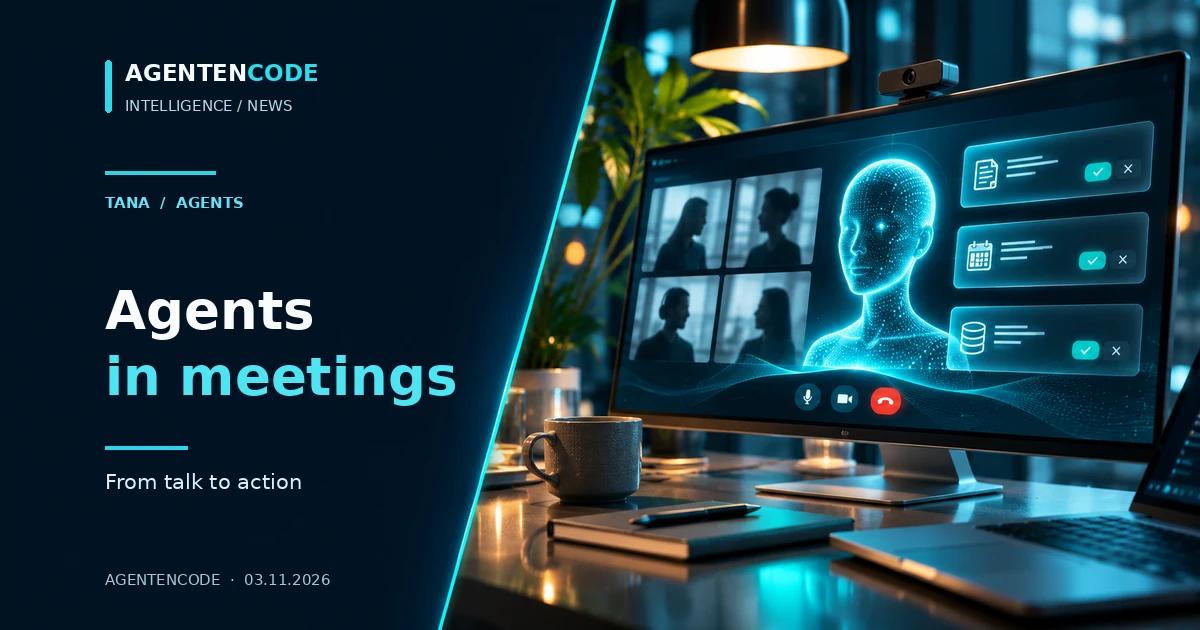
A meeting assistant that merely writes notes is different from an agent that can act before a call ends. On November 3, Tana announced Bring Your Own Agent, a way to connect existing AI assistants to meetings and move from discussion to tool-assisted work. The interesting question is not how quickly an agent drafts a to-do list. It is how an organization governs the transcript, the screen, the user’s connectors, and an action that can change business records.
Sources and limitations
- Primary source
Dated original publication: Tana (2026-11-03).
- Not independently tested
Analysis of vendor and research sources; no independent agent executions, security studies or product benchmarks.
What is genuinely new, and which assistants are confirmed?
Tana's November 3 press release mentions Claude, ChatGPT, Grok Bot, Mistral, Lovable and Gemini. Its detailed October 26 changelog specifically documents Claude or ChatGPT accounts in the desktop app on Mac and Windows, with the relevant assistant app installed. That integration can use the live transcript, meeting chat and shared screen. The broader vendor list should not be conflated with a platform-by-platform independent availability test.
Tana already offered live meeting suggestions, recap features and approval-driven follow-up work. The new angle is connecting the user's existing assistant, including its established connectors and skills, instead of limiting the workflow to a proprietary note taker. AgentenCode has not measured action accuracy or task-completion rates.
Why live meeting context matters
Meetings create decisions but often leave execution scattered across ticket queues, spreadsheets, email and chat. Tana proposes that an agent listens to the same discussion, prepares a relevant action and then executes it after approval. That approval step is the critical difference between useful automation and unaccountable side effects.
A status lookup and a write to a forecast sheet are not equivalent. Both depend on identity, target service and permissions, but only one changes the underlying record. The closer an assistant is to business systems, the less useful it is to talk about 'meeting intelligence' without defining the specific tool action.
Whose context becomes the agent’s context?
The company describes live access to transcripts, meeting chat and screen content for the connected personal assistant. According to the October changelog, Agents is a private tab; suggested actions and results remain private until a user shares them into the common meeting chat. This is a meaningful interface distinction, but it does not establish where an external model provider processes the data.
Before deployment, administrators should determine what happens with external guests, confidential windows during screen sharing, employee information and linked business data. Tana states that it supports EU hosting and a choice of EU or US inference, but that statement alone does not prove end-to-end EU-only processing for every independently connected assistant and connector.
Approval is not the same as least privilege
Tana describes proposed actions that the user approves. An approval only reduces risk if the person can see the exact operation, target, data and downstream effects. A personal assistant that can read mail, search confidential drives and edit a CRM has a much larger risk surface than one restricted to read-only project status.
Our recommended separation has three layers: read-only preparation, explicit approval for a narrowly described write, and independent enforcement by the destination service. The meeting environment should not turn a personal assistant into a broad administrative identity.
The AgentenCode five-case approval matrix
Our original matrix below ranks common meeting-agent tasks by their actual impact and the required decision point. It is an editorial decision aid based on the product's disclosed workflow, not a Tana benchmark or security certification.
Read-only status checks are a reasonable starting point. Financial, personnel, legal and health workflows need a more careful contract around data exposure, access, audit and undo capabilities.
Original AgentenCode decision matrix
| Case | Source-grounded status | Decision gate |
|---|---|---|
| Summarize discussion | Read-only context | Who may receive the summary? |
| Search connected files | Connector read access | Is the document scope approved? |
| Prepare a ticket | Draft, no write | Correct project and owner? |
| Create the ticket | Write action | Explicit per-action consent |
| Update CRM/forecast | Material business change | Audit trail and rollback |

A realistic pilot, without fictional results
Start with a single internal meeting using synthetic data. Connect only one authorized assistant and one low-risk workflow, such as preparing a draft issue. Log the intended action, the identity used, the resulting suggestion and the final approval. Intentionally withhold approval at least once to verify the interface does not perform the write.
Next, check whether transcript access and screen-sharing scope match participant expectations, whether private suggestions remain private, and how long data persists in the meeting product versus connected vendors. These are proposed acceptance checks; AgentenCode has not run a hands-on pilot.
Bottom line: the meeting is a trust boundary
The story is not that transcription has become smarter. It is that existing personal agents can move into a shared, fast-changing workplace context and act with attached permissions. That could eliminate handoffs, but it also relocates authorization and accountability into the meeting workflow.
Our conclusion is deliberately narrower than the launch rhetoric: Tana documents concrete Claude/ChatGPT integration and approval-led action flows. Broad assistant availability, reliable action performance and full data residency require separate validation. Strong meeting-agent adoption begins with scoped access, not with the most impressive demo.
Primary sources
Frequently asked questions
Are all the assistants named in the launch independently verified as live?
No. The technical changelog documents Claude and ChatGPT specifically; other names are part of the wider announcement.
Does everyone in the call see the personal agent tab?
Tana says the Agents tab is private until the user shares content into the meeting.
Do agents execute all suggestions automatically?
The disclosed workflow includes user approval. Its precise behavior should be checked per integration.